
Quick Answer
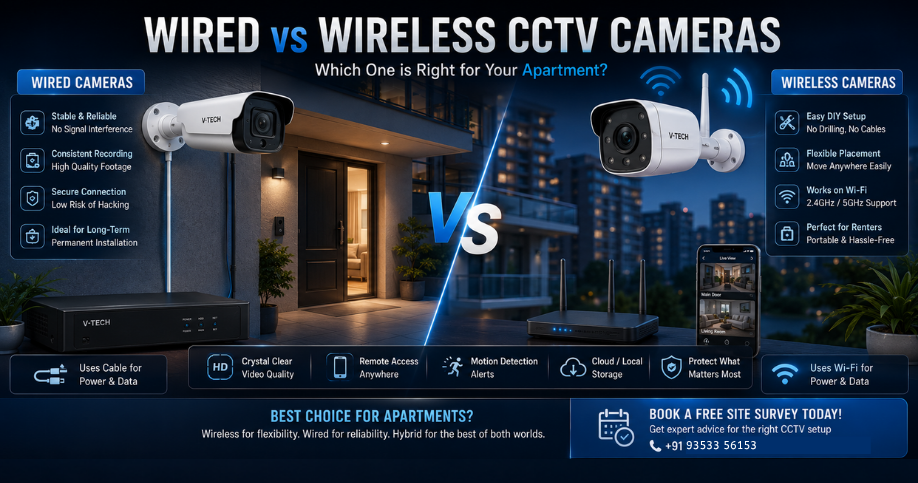
Wireless (Wi-Fi) cameras suit renters and apartment owners who cannot drill walls or want quick, flexible setup. Wired cameras suit long-term homeowners who want the most reliable, interference-free footage. Most apartments do well with a hybrid approach: wireless at the main door, wired for anything permanent.
Table of Contents
- What "Wireless" Really Means
- Wired Cameras: Pros and Cons
- Wireless Cameras: Pros and Cons
- Side-by-Side Comparison
- Best Fit by Apartment Scenario
- Wi-Fi Interference and Range Issues
- Storage: Cloud vs Local for Wireless Cameras
- Are Wireless Cameras Safe from Hacking?
- The Hybrid Approach Most Apartments Use
- Tips for Renters Specifically
- Frequently Asked Questions
If you live in an apartment, you've likely faced a specific problem that villa or independent house owners rarely deal with: you can't just drill through walls or run cables wherever you want. Association rules, rental agreements, and shared walls all limit your options. This is exactly where the wired versus wireless decision becomes far more important than it is for an independent house.
Before diving in, if you haven't yet decided how many cameras you actually need, read our guide on how many CCTV cameras your home actually needs. And if camera terminology like NVR, DVR, or IP camera is still unclear, start with our Complete Guide to CCTV Cameras.
1. What "Wireless" Really Means
"Wireless" CCTV cameras don't transmit video through thin air with no connection at all; they send footage over your home Wi-Fi network to a cloud server or a local storage device like an SD card or small NVR. This is different from a wired system, where the camera sends video directly through a physical cable, either coaxial or Cat6, straight to a recorder. Understanding this distinction matters because a wireless camera's performance is only as good as your Wi-Fi signal at that exact spot in your apartment.
2. Wired Cameras: Pros and Cons
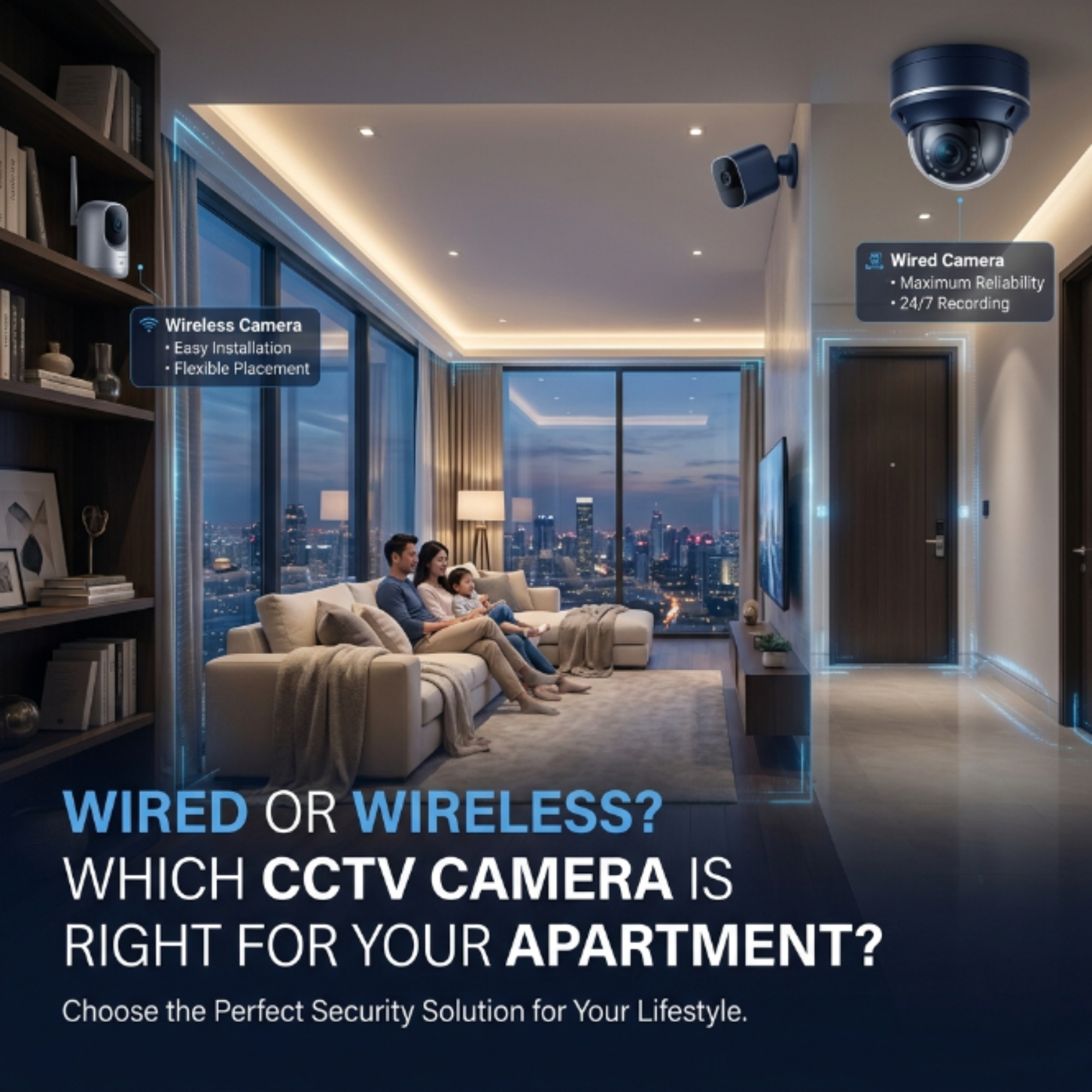
- Pros: No dependency on Wi-Fi signal strength, consistent high-quality video with virtually no lag, more resistant to hacking since there's no open wireless connection to intercept, and supports higher camera counts on a single system.
- Cons: Requires drilling and cable routing, which is often restricted in rented apartments or needs association approval for common-wall work, and professional installation adds to upfront cost.
3. Wireless Cameras: Pros and Cons
- Pros: No cables to install, so no drilling or wall damage, quick DIY-friendly setup, and the camera can be relocated easily if you move or rearrange furniture.
- Cons: Performance depends entirely on Wi-Fi signal strength and can degrade with distance or wall interference, most models rely on battery power that needs periodic recharging, and cloud storage often comes with a recurring subscription fee.
4. Side-by-Side Comparison
| Factor | Wired Camera | Wireless (Wi-Fi) Camera |
|---|---|---|
| Installation | Requires drilling and cabling | No drilling, plug-and-play setup |
| Reliability | Very high, no signal drop | Depends on Wi-Fi strength |
| Video quality | Consistently high, no compression lag | Can drop quality on weak Wi-Fi |
| Storage | Local hard disk (NVR/DVR) | Cloud (subscription) or microSD card |
| Best for renters | No, needs permanent cabling | Yes, fully portable |
| Upfront cost | Higher (installation + cabling) | Lower (self-install) |
5. Best Fit by Apartment Scenario
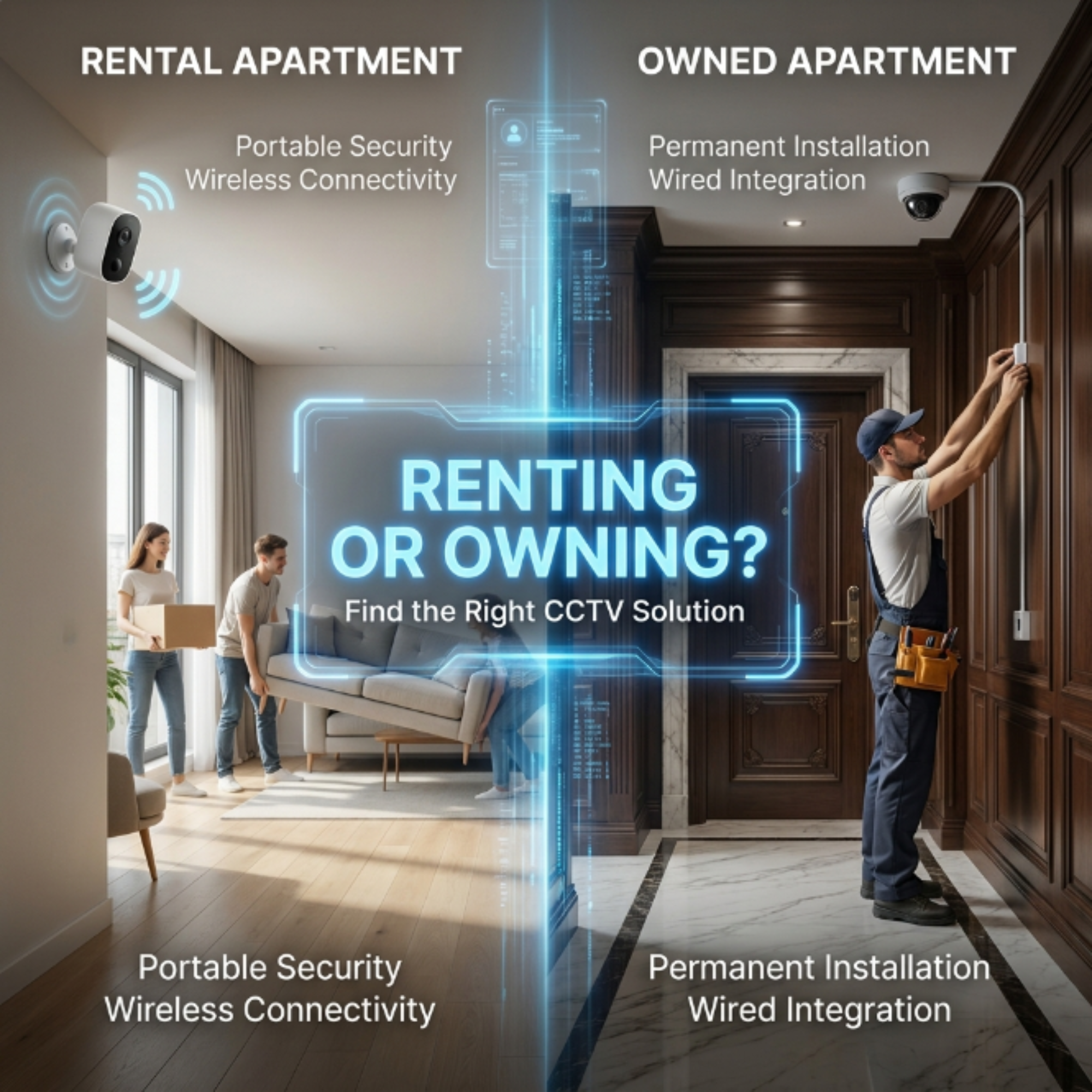
- Renting, short-term stay: Wireless camera at the main door, fully portable when you move out.
- Own the flat, no plans to move: A wired setup at the door and hall gives more reliable long-term performance.
- Association restricts drilling on common walls: Wireless is often the only realistic option unless you get written approval.
- Monitoring a newborn or elderly parent indoors: Wireless indoor cameras with two-way audio are usually sufficient and easy to reposition.
- Large 3-4 BHK with multiple entry points: A hybrid setup, wired for permanent coverage, wireless for flexible secondary spots, often works best.
6. Wi-Fi Interference and Range Issues
Apartment buildings are dense with concrete walls, neighbouring Wi-Fi networks, and multiple smart devices, all of which can weaken your camera's wireless signal. A wireless camera placed too far from your router, or separated by more than one or two concrete walls, may show lag, dropped frames, or a "camera offline" error at the worst possible time. If you plan to rely on wireless cameras, consider a Wi-Fi extender near the camera location, or choose a camera that supports the 2.4GHz band, which penetrates walls better than 5GHz despite being slightly slower.
Practical Tip: Before buying a wireless camera, check your Wi-Fi signal strength at the exact spot you plan to mount it, not just near your router. A weak signal at the camera's actual location is the most common cause of unreliable wireless CCTV performance.
7. Storage: Cloud vs Local for Wireless Cameras
Most wireless cameras offer two storage options. Cloud storage keeps footage on the manufacturer's servers, usually with a monthly or annual subscription, and protects your footage even if the physical camera is stolen. A local microSD card is a one-time cost with no recurring fees, but if someone steals the camera, they take your footage with it. For apartments, we generally recommend cloud storage or a hybrid option if your camera supports it, since the small monthly cost is worth the added protection.
8. Are Wireless Cameras Safe from Hacking?
Wireless cameras are more exposed to hacking risk than wired systems simply because they communicate over a network that could potentially be accessed remotely if not secured properly. The good news is that basic precautions eliminate almost all real-world risk: change the camera's default password immediately after setup, keep firmware updated, use a separate guest Wi-Fi network for smart-home devices if your router supports it, and avoid using cameras from brands with no clear privacy policy or update history.
9. The Hybrid Approach Most Apartments Use
In practice, most apartment owners we survey end up with a mix rather than choosing purely one type. A common pattern is a wired camera at the main door, since this is the highest-priority, permanent coverage point, combined with one or two wireless cameras inside for flexible monitoring of a nursery, living room, or a rented-out room. This gives you the reliability of wired coverage where it matters most, with the flexibility of wireless for secondary or changeable needs.
10. Tips for Renters Specifically
- Choose a wireless camera with a simple stick-on or magnetic mount rather than a screw-in bracket, so removal leaves no marks.
- Keep the original packaging and mounting kit so you can reinstall it easily in your next home.
- Check your rental agreement for any clause about installing electronic devices before drilling, even for small wireless camera mounts.
- If your landlord permits it, a small PoE camera with minimal cabling is a middle-ground option offering better reliability without full wired installation.
Frequently Asked Questions
Do wireless CCTV cameras need Wi-Fi to record?
Most wireless cameras need Wi-Fi to send footage to cloud storage or for remote viewing, though some models can record locally to a microSD card even if Wi-Fi drops temporarily.
Can hackers access my wireless camera?
It's possible if the camera has a weak or default password, but changing the default password and keeping firmware updated eliminates almost all real-world risk.
Is wired CCTV always better for apartments?
Not always. Wired is more reliable, but wireless is often the only practical option for renters or where drilling isn't permitted.
How far can a wireless camera be from my router?
This varies by model, but generally within one or two concrete walls of the router for a stable connection. A Wi-Fi extender helps if the camera is farther away.
Can I mix wired and wireless cameras in the same apartment?
Yes, this hybrid approach is common and practical, using wired for permanent coverage and wireless for flexible or secondary spots.
Not Sure Which Setup Fits Your Apartment?
Get a free site survey and we'll recommend the right wired, wireless, or hybrid combination based on your building and rental situation.
Book Your Free Site Survey WhatsApp Us